How to temporarily close the group?
Skool has a lockdown feature to temp close the group. Say your current cohort or batch has concluded the intake, or you are updating your course; you may want to close the group and reopen it when you are done. Here's how to do that:
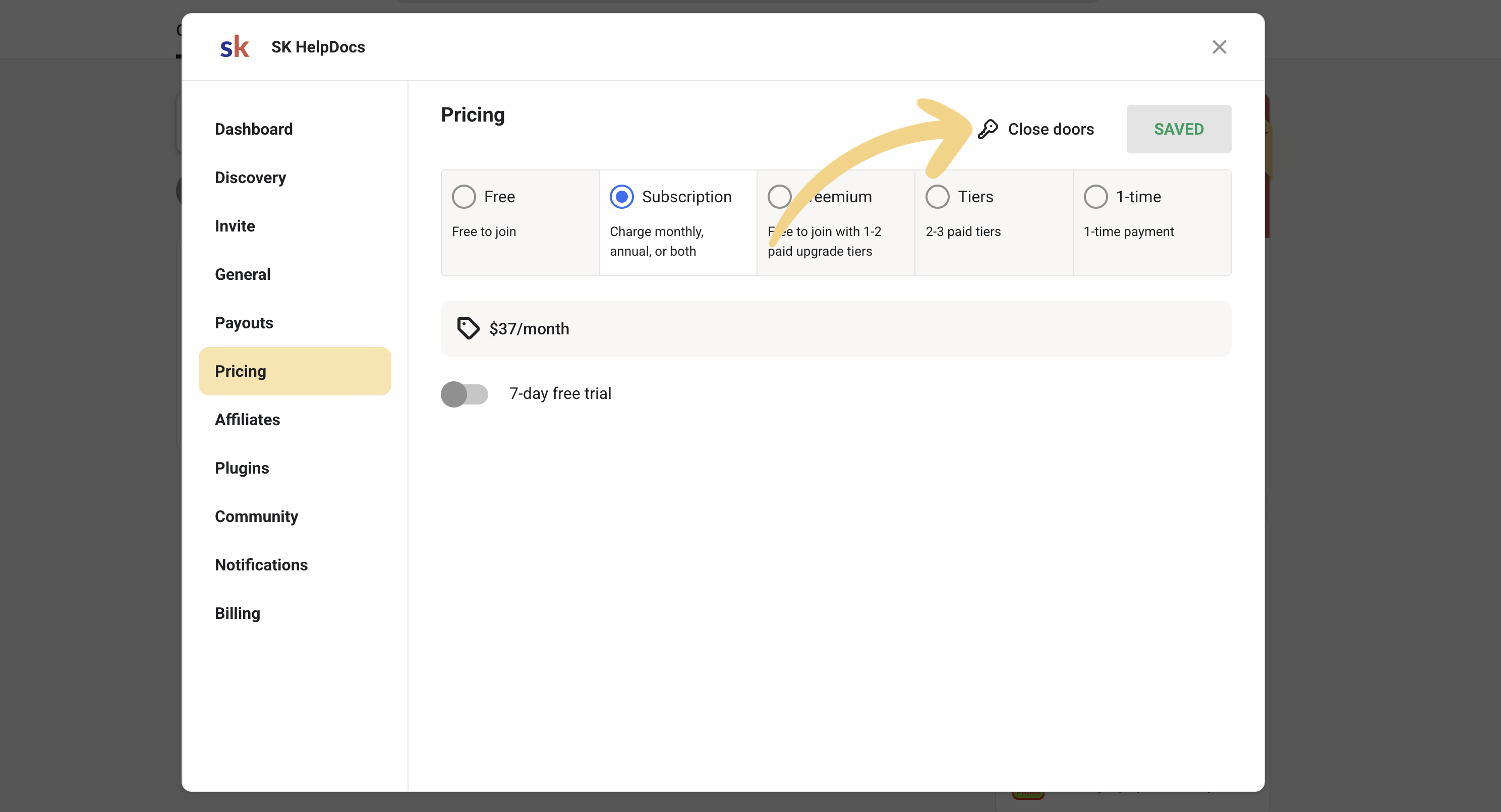
- Click on the SETTINGS button in your community.

- Navigate to the Pricing tab and then click on Close doors.
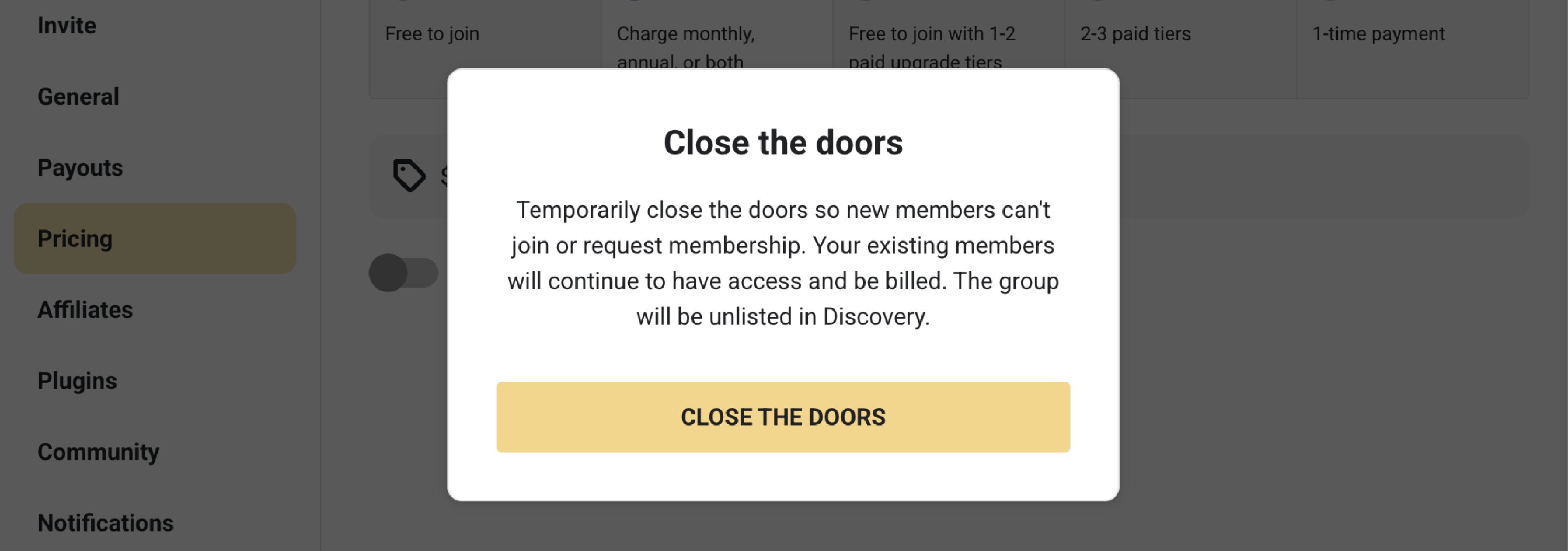
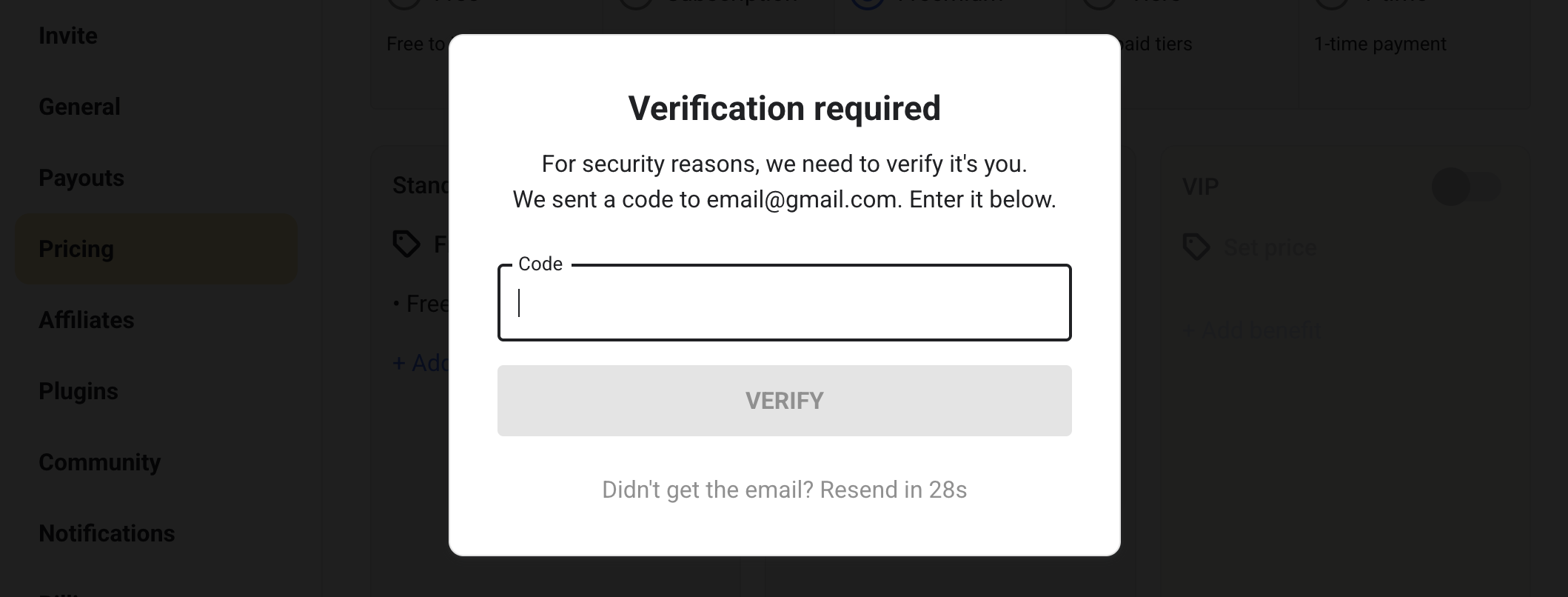
- Click on CLOSE THE DOORS and authenticate the change.
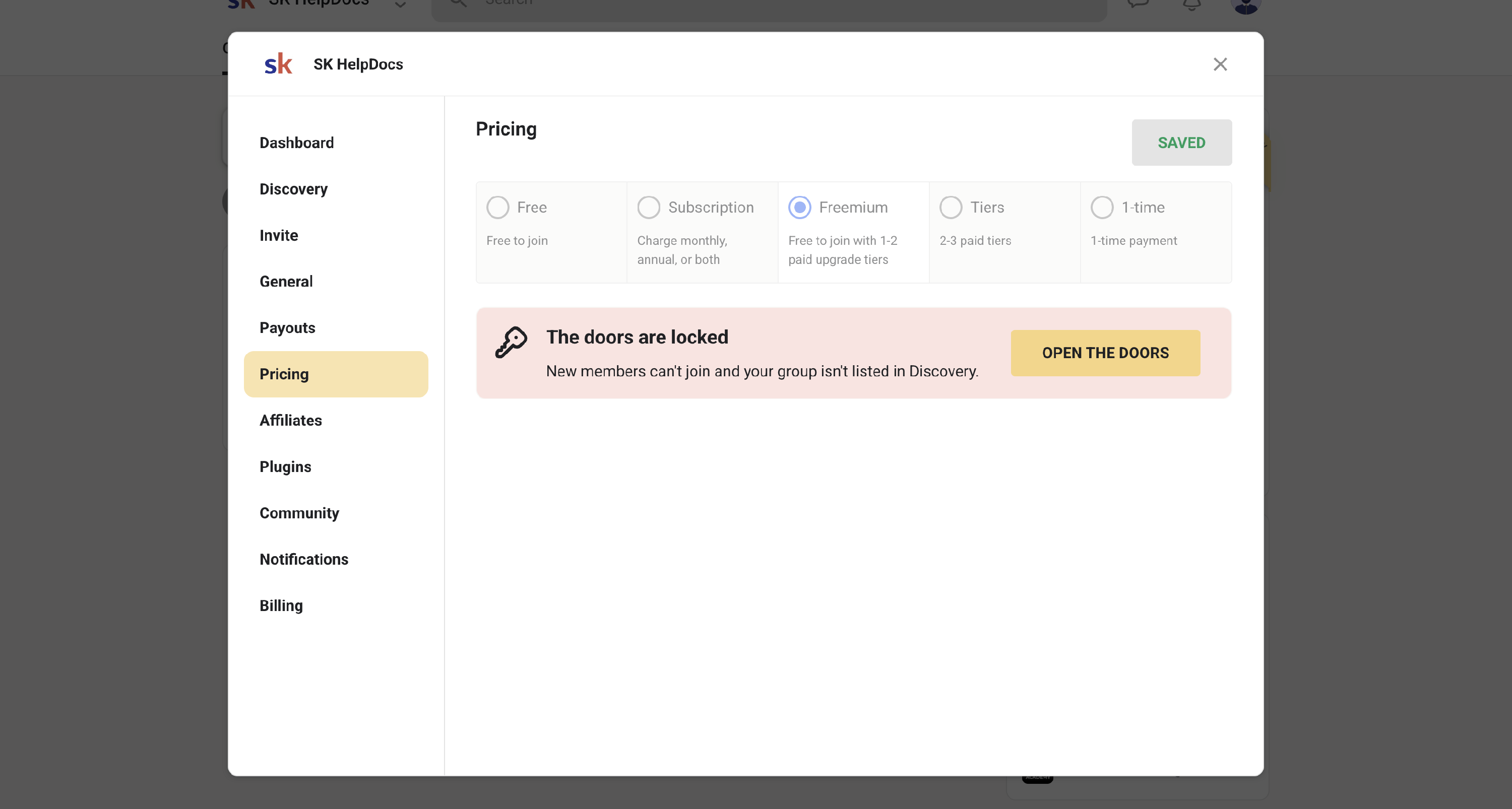
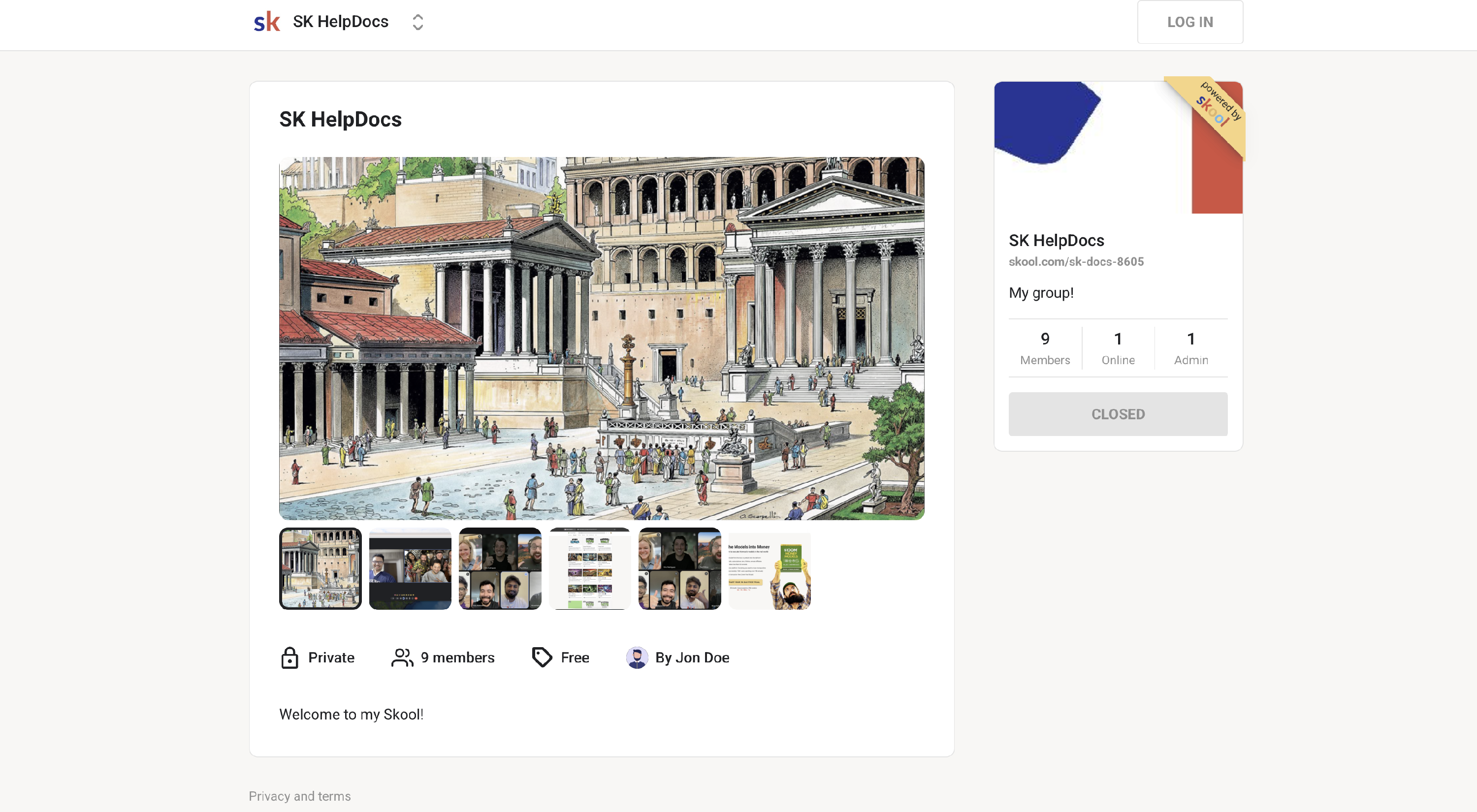
Here's how it will appear to new members:
Your existing members will continue to have access and be billed. There won't be any impact on the current members of the group. Lockdown stops new members from joining or requesting access.