Troubleshooting ID verification for payouts
Verifying your identification is required before the payout can be processed. This applies to affiliates and community payouts.
If you are having trouble getting your ID verified, we recommend taking a selfie with your ID in a bright light (preferably in the morning) using a high-quality camera. You can do this step on any device. It doesn't have to be the device you use Skool on.
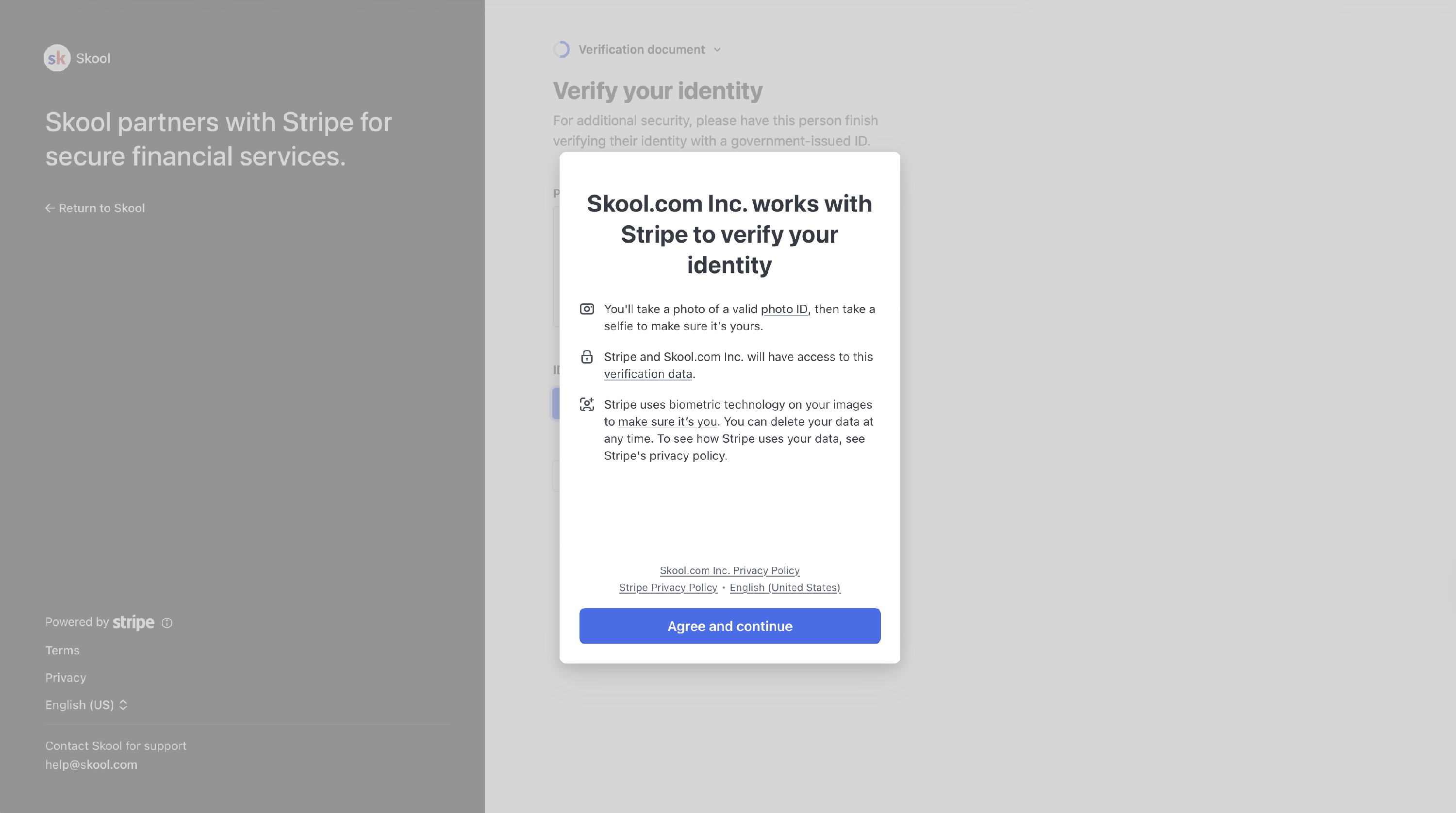
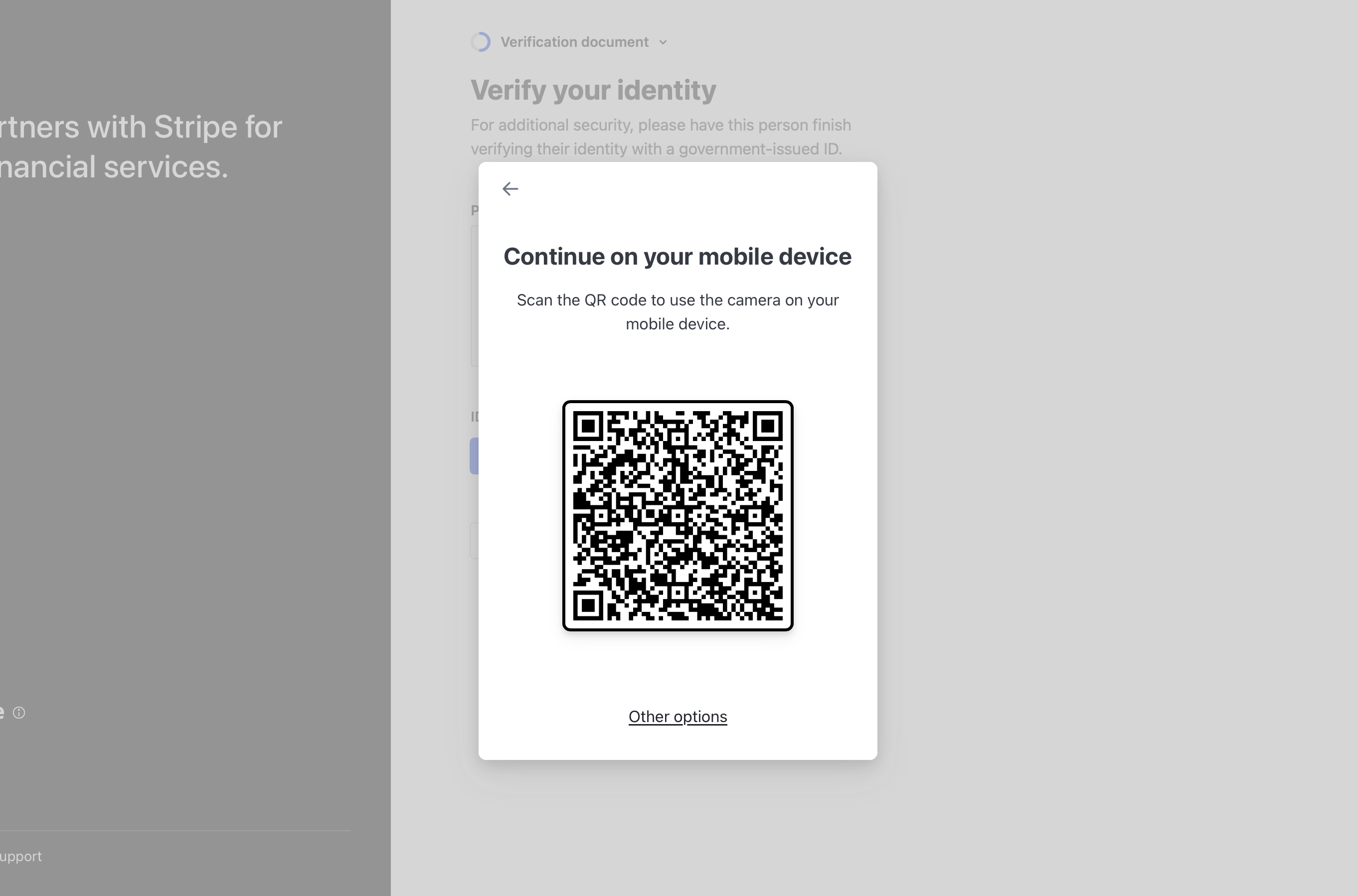
Use the QR code to complete ID verification on a different device with a high-quality camera.
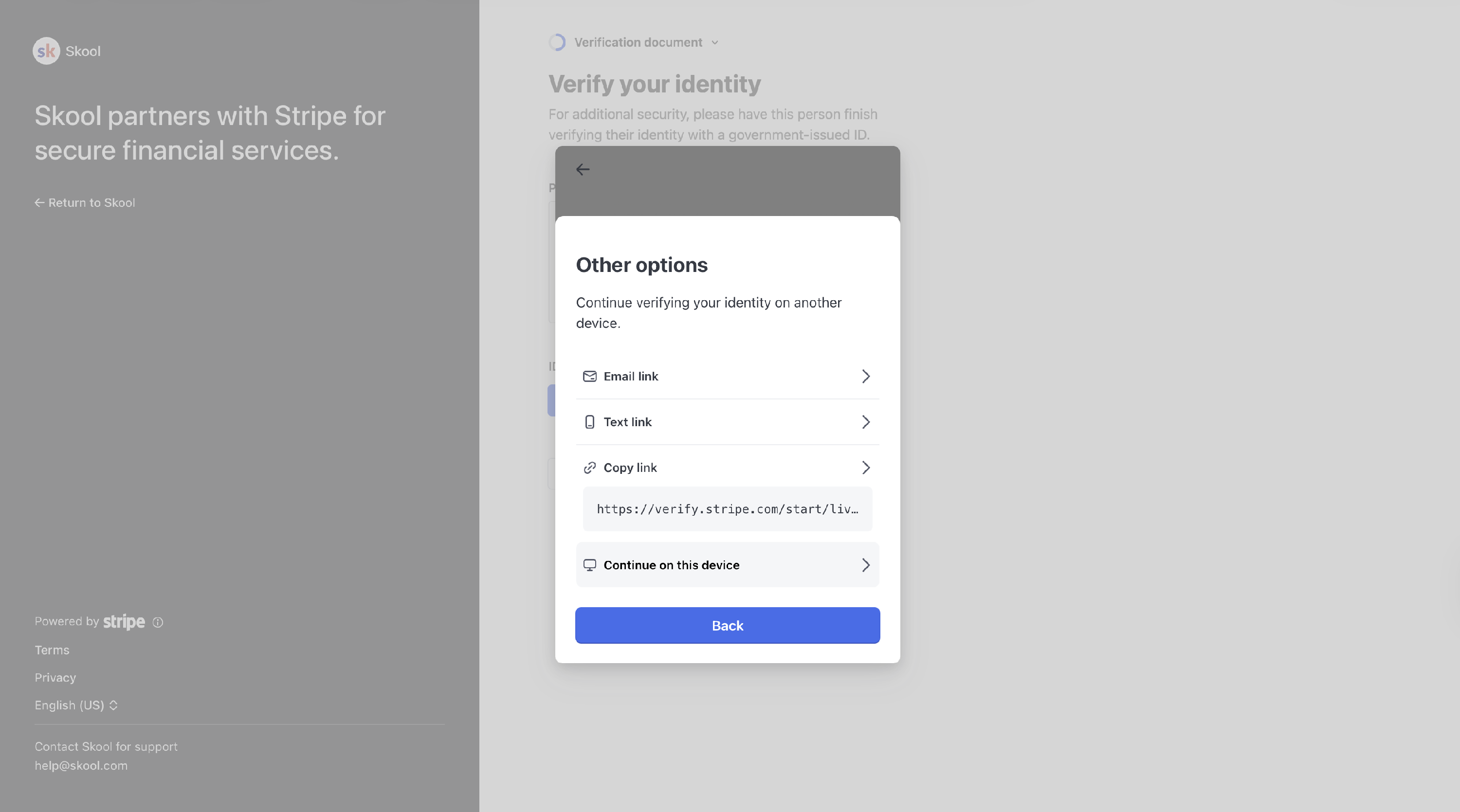
Here are other options to complete the verification:
Have your driver's license or passport ready. One of these two is recommended.
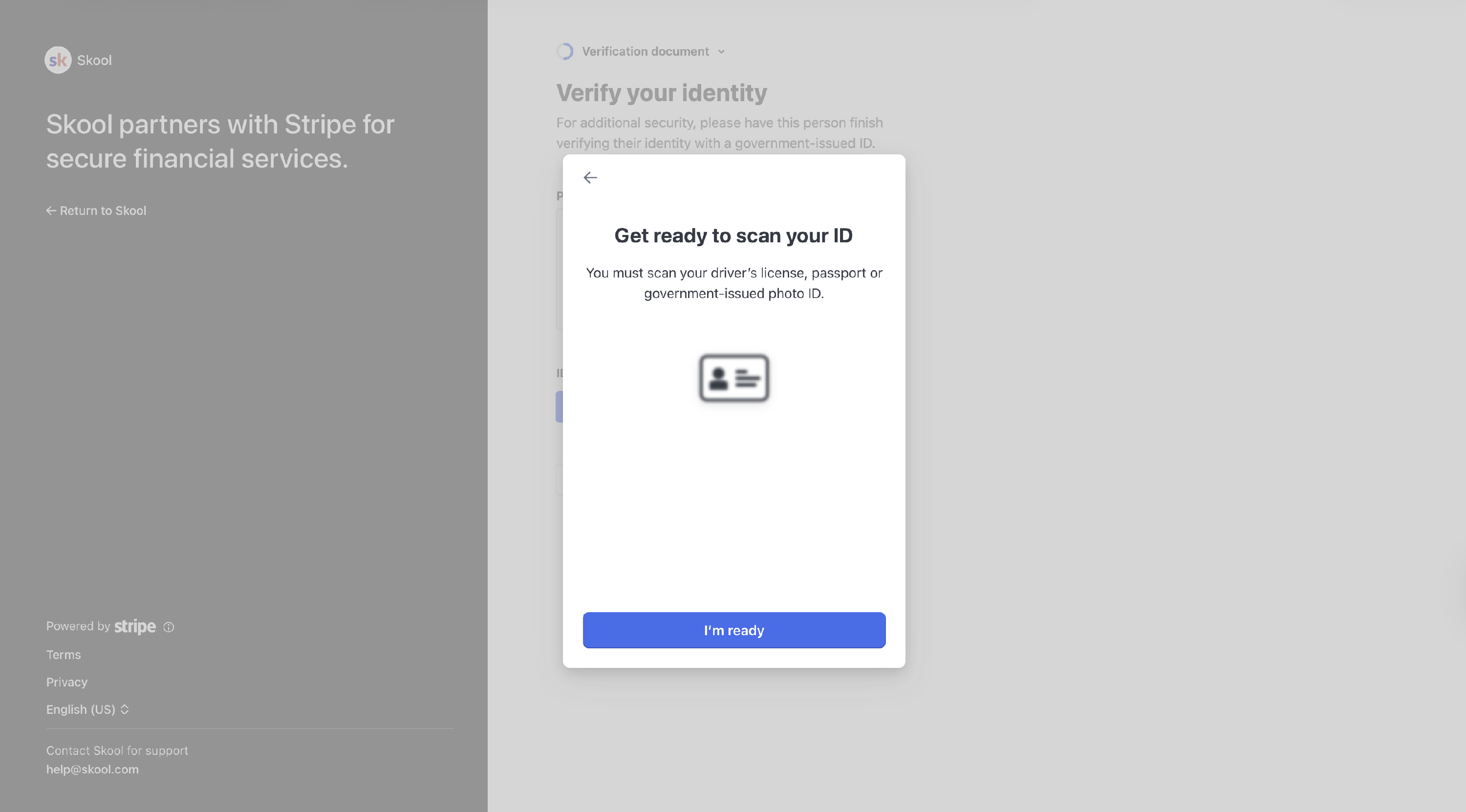
You MUST grant access and ALLOW all pop-ups to the browser.

Click Manual or click Having Trouble? option.
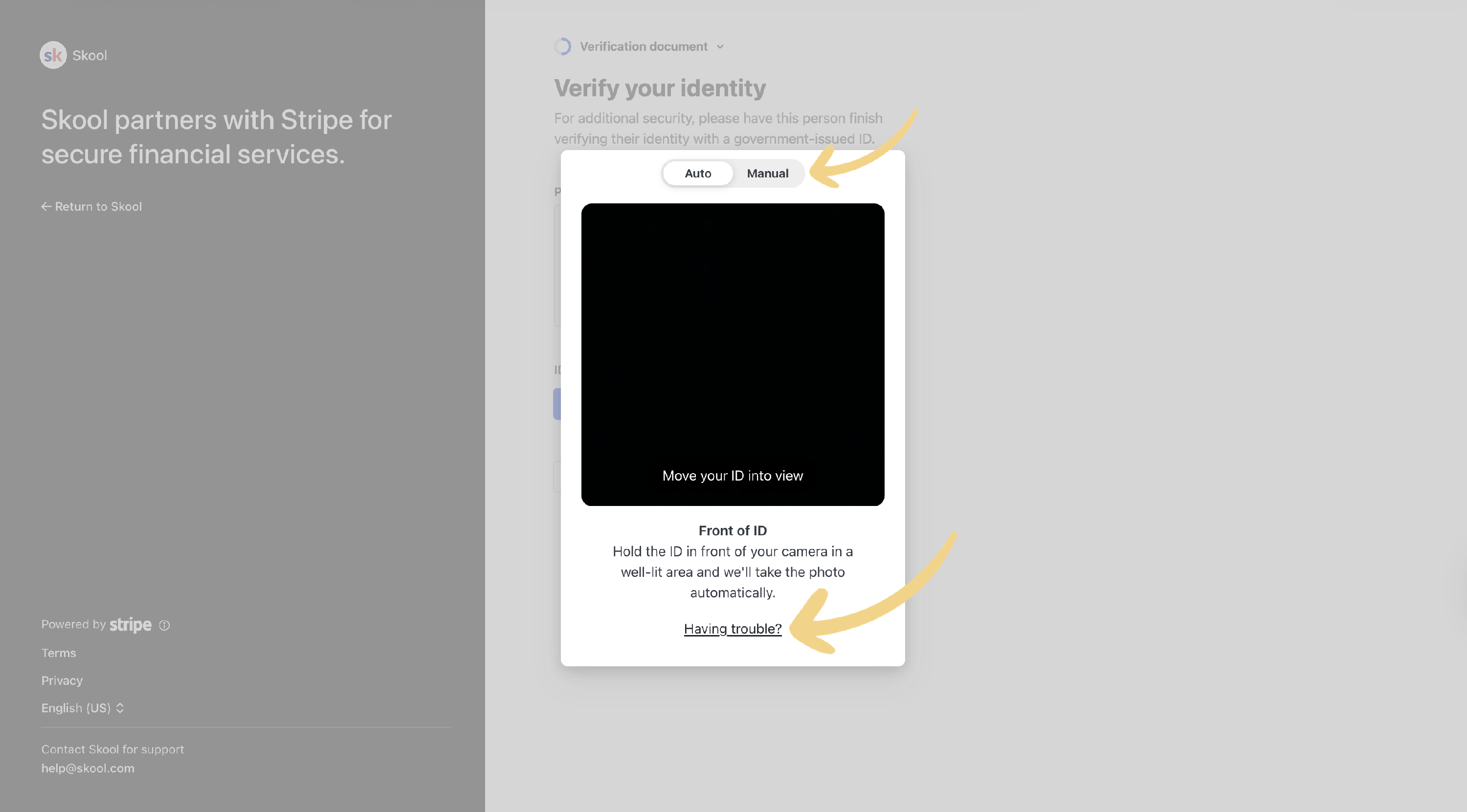
You can also upload your ID. Use JPEG or PDF to upload. Upload a very high-quality image.
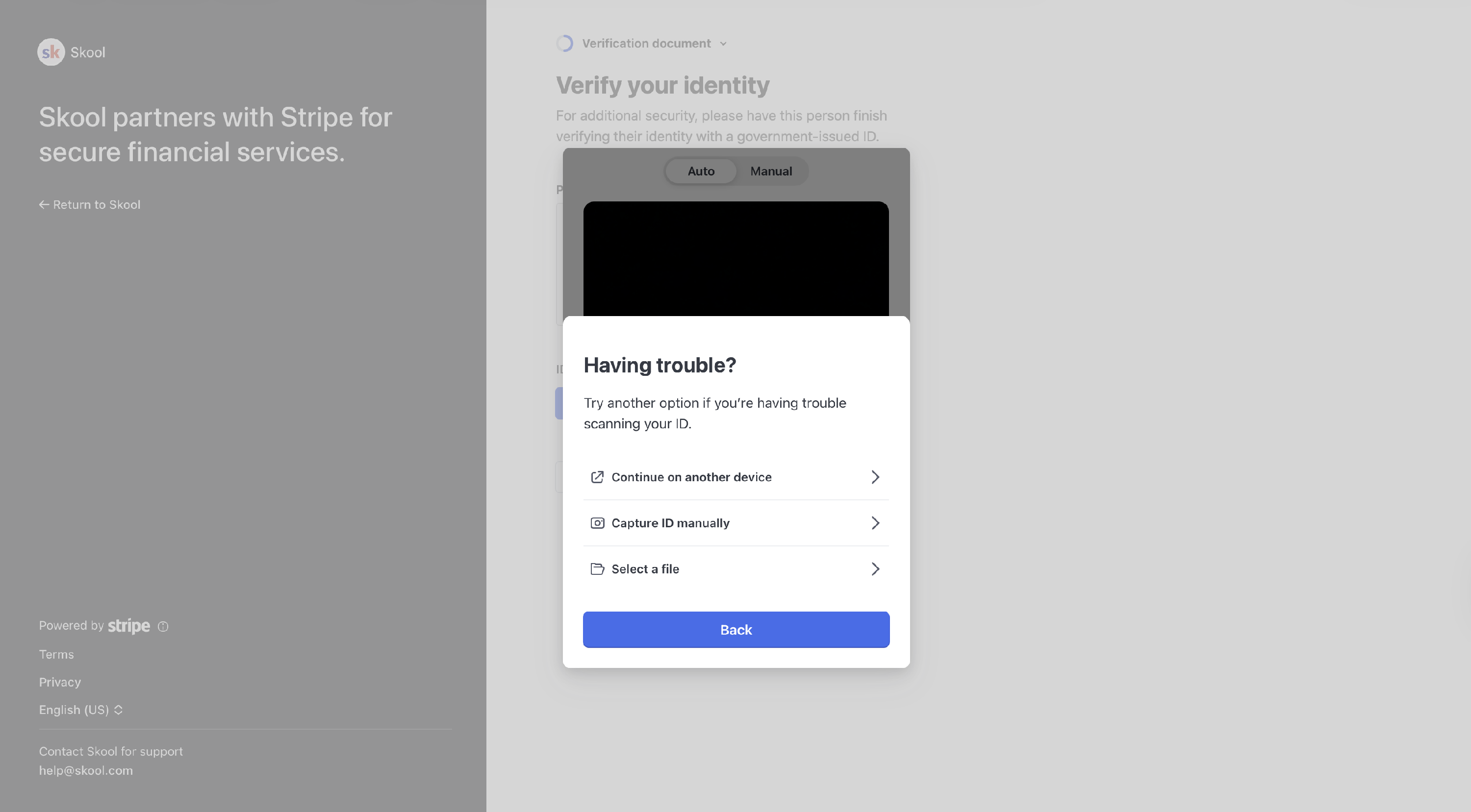
Note that product support cannot upload your ID. We also don't recommend sending your ID files, or any sensitive info for that matter, to us over support email.